Struggling to pair your phone with Googlebook? Google says a fix is rolling out now
Credit: Hadlee Simons / Android Authority
TL;DR Google has confirmed the reason why some Pixel owners can’t connect their phones to Googlebooks.
The company says this is a “known first-time setup timing issue” where the taskbar’s QR code remains on screen.
It has also started rolling out a Google Play Services app update that addresses the issue.
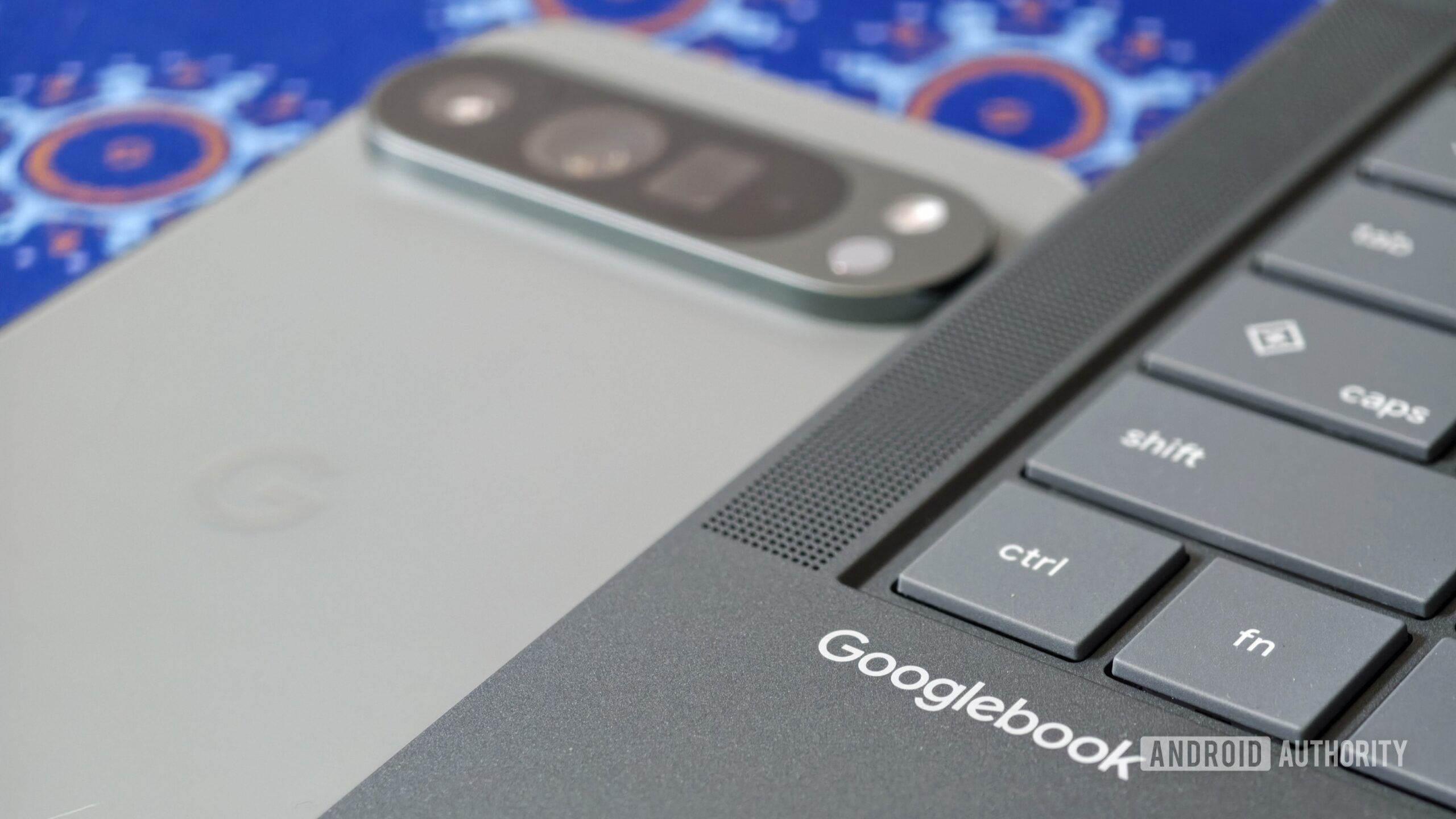
One issue some Googlebook users are seeing is that their Pixel phones refuse to pair with the new laptops. Colleague Paul Jones and I are also seeing this issue on our Googlebooks. Fortunately, Google has now confirmed the cause of the issue and outlined a solution.
Googlebook users need to pair their phone with their laptop by tapping the phone icon on the laptop’s taskbar and then scanning the resulting QR code when prompted to do so. We were able to scan the code with our Pixels, which takes us to the cross-device services toggles on our phones. …
You're reading a preview. The full article is published by Android Authority on their website.
Read the full story on Android Authority