Gadgets
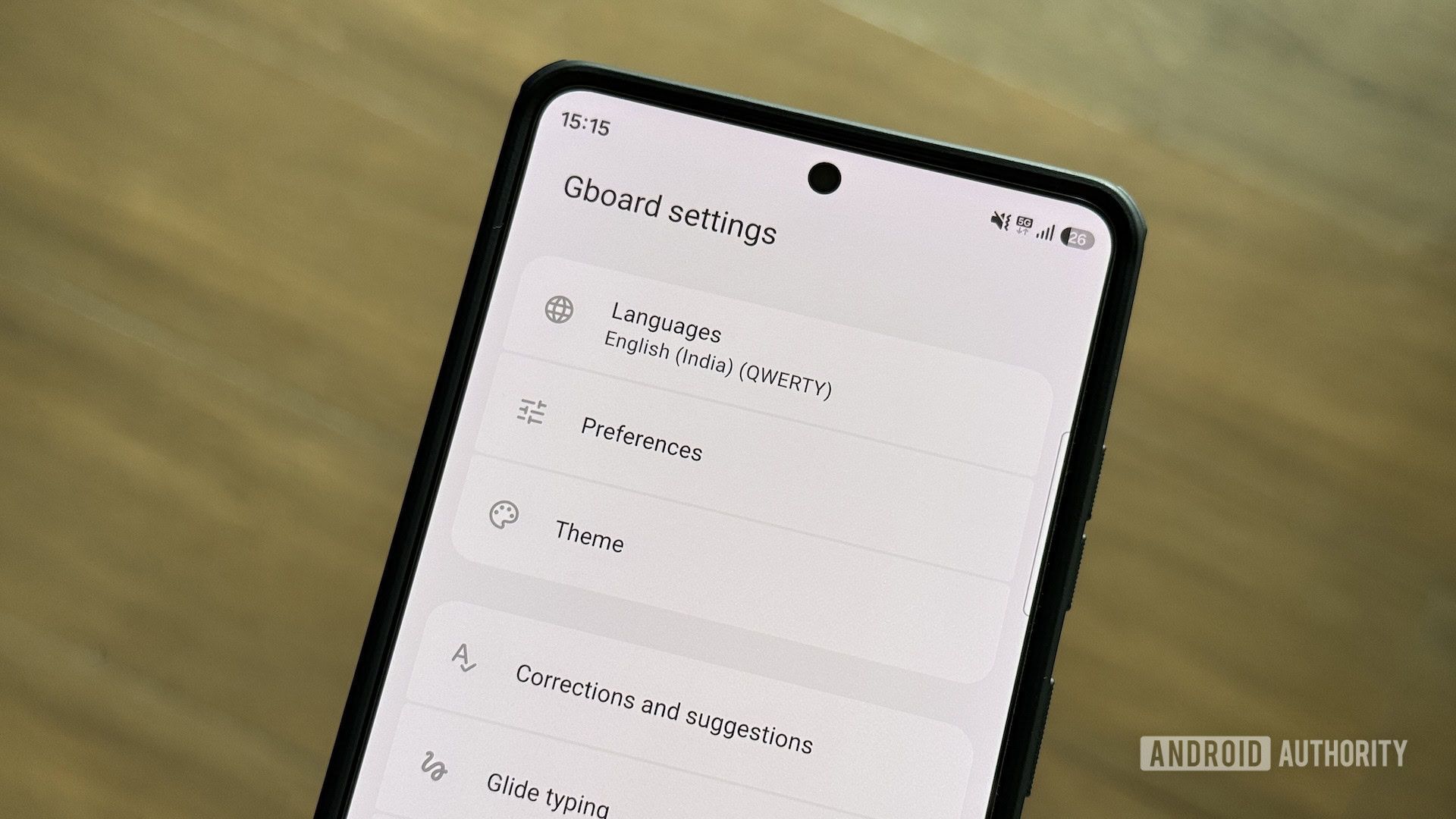
6 Gboard settings I change the moment I get a new Android phone
I’ve used many keyboard apps, but Gboard remains my top choice. It’s customizable, has an excellent glide-typing algorithm, and packs a bunch of handy features. In fact, some of these features are so good that I’ve ditched a few popular apps for Gboard.
Having said that, I don’t like how the keyboard works out of the box. Some of its best options are disabled, while a few I find annoying and less useful are enabled by default. As a result, I always make a few changes to Gboard before I start using it on any of my Android phones.
You're reading a preview. The full article is published by Android Authority on their website.
Read the full story on Android Authority