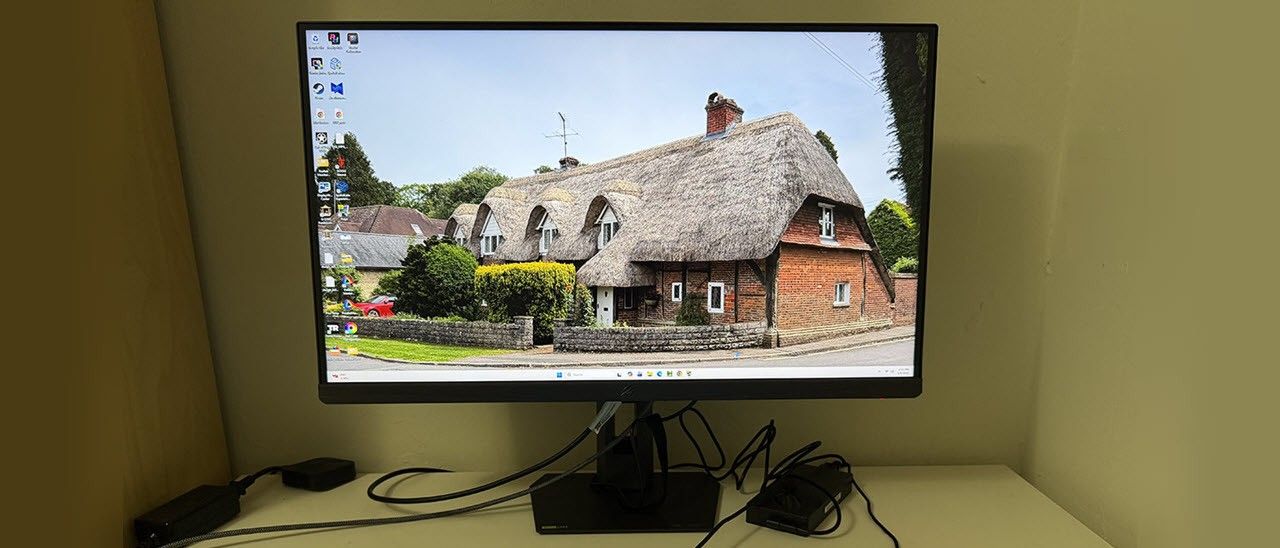
Asus ROG Strix XG27AQGNV 27-inch G-Sync Pulsar gaming monitor review: Super smooth with unprecedented control
In the evolution of gaming monitors, there is nothing more significant than the advent of G-Sync and FreeSync (AKA, Adaptive-Sync or VRR). By syncing the video card output and monitor refresh rate in real time, all frame tearing and stuttering are eliminated. But there is one thing this tech cannot fix – motion blur.
LCD panels continuously display each frame until the next one arrives. This inevitably results in blur unless frame rates are very high. At least 500Hz is needed to truly call LCD motion resolution perfect. How to combat this? Well, you can buy one of the best OLED gaming monitors, which has a much faster panel response. You could employ overdrive, where the LCD panel anticipates the next frame. It’s also known as overshoot. If done precisely, that eliminates nearly all blur. Or you can insert a black frame by strobing the backlight. But this reduces light output.
Earlier this year, I reviewed my first G-Sync Pulsar …
You're reading a preview. The full article is published by Tom's Hardware on their website.
Read the full story on Tom's Hardware