New Windows 11 Insider Experimental build adds the ability to check your internet speed without a browser
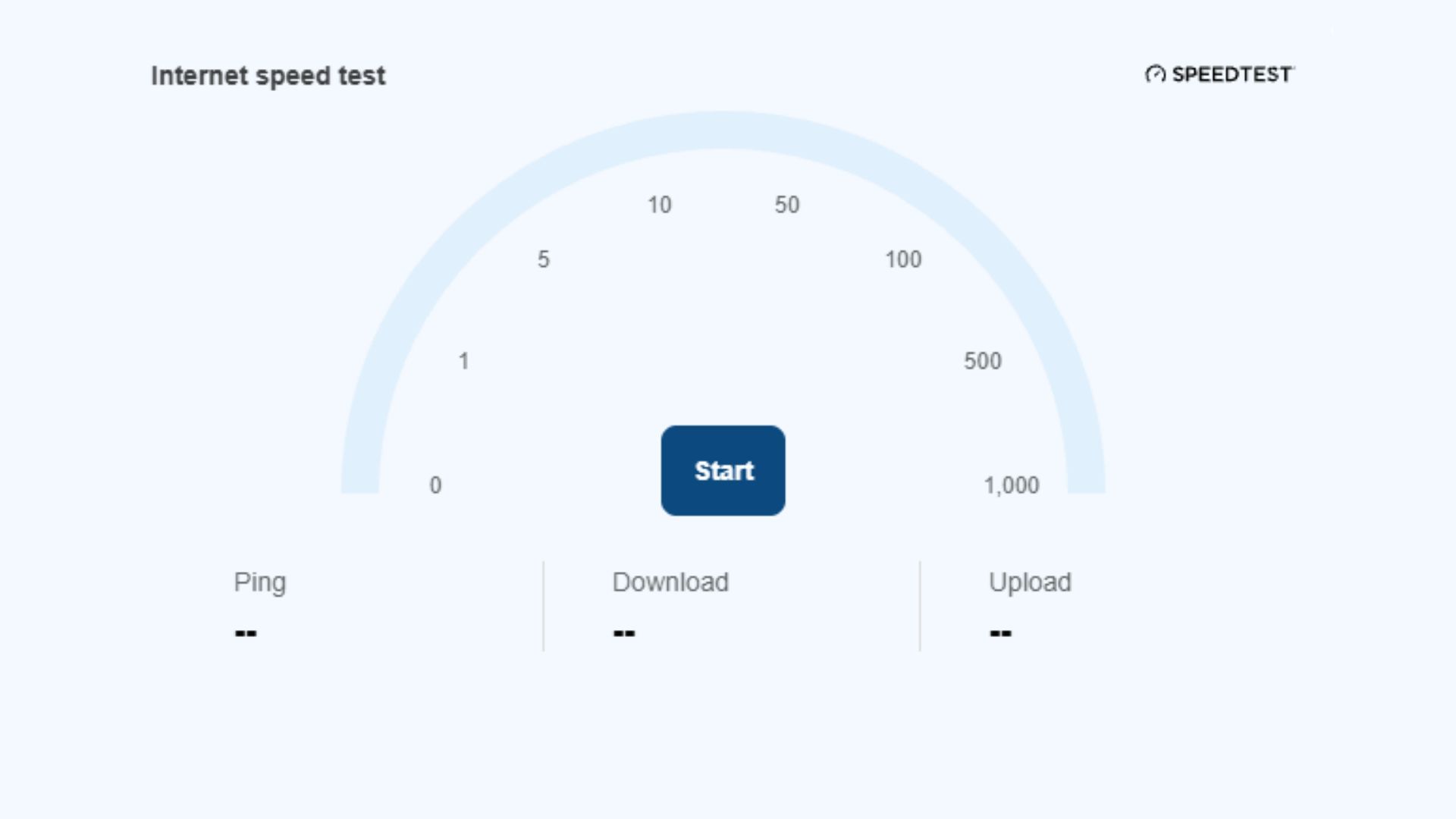
If you are part of the Windows 11 Insider program, you may have finally received the option to test your internet speed directly from Quick Settings in the latest experimental build. That means no more going to a browser to see if your new broadband package is as speedy as advertised.
Those using Insider Experimental build 26340.9767 can simply click on Quick Settings and scroll down to see a speed test button (via Windows Latest). You can also find the network icon in the system tray, right-click it, and then select "Test internet speed". This will give you your download and upload speeds.
Up until now, Windows 11 users have been able to access an internet speed test from Windows settings, but clicking on it redirects you to a browser and then runs the test via Bing. It's a small barrier but still an annoying hurdle to get to a fairly simple tool.
Alongside this, Preview Build 26340.9767 adds feature …
You're reading a preview. The full article is published by PC Gamer on their website.
Read the full story on PC Gamer